The email assistant for businesses
Your replies are written before you open your mail.
draften reads your new mail and writes complete replies in your voice – with your prices, your guides and your CRM data. It leaves them in your drafts, learns from every edit you make and never sends anything on its own.
What it solves
Email stops being a full-day job.
Many emails are questions you already know the answer to. draften writes those replies for you – you just check them.
Take a look inside
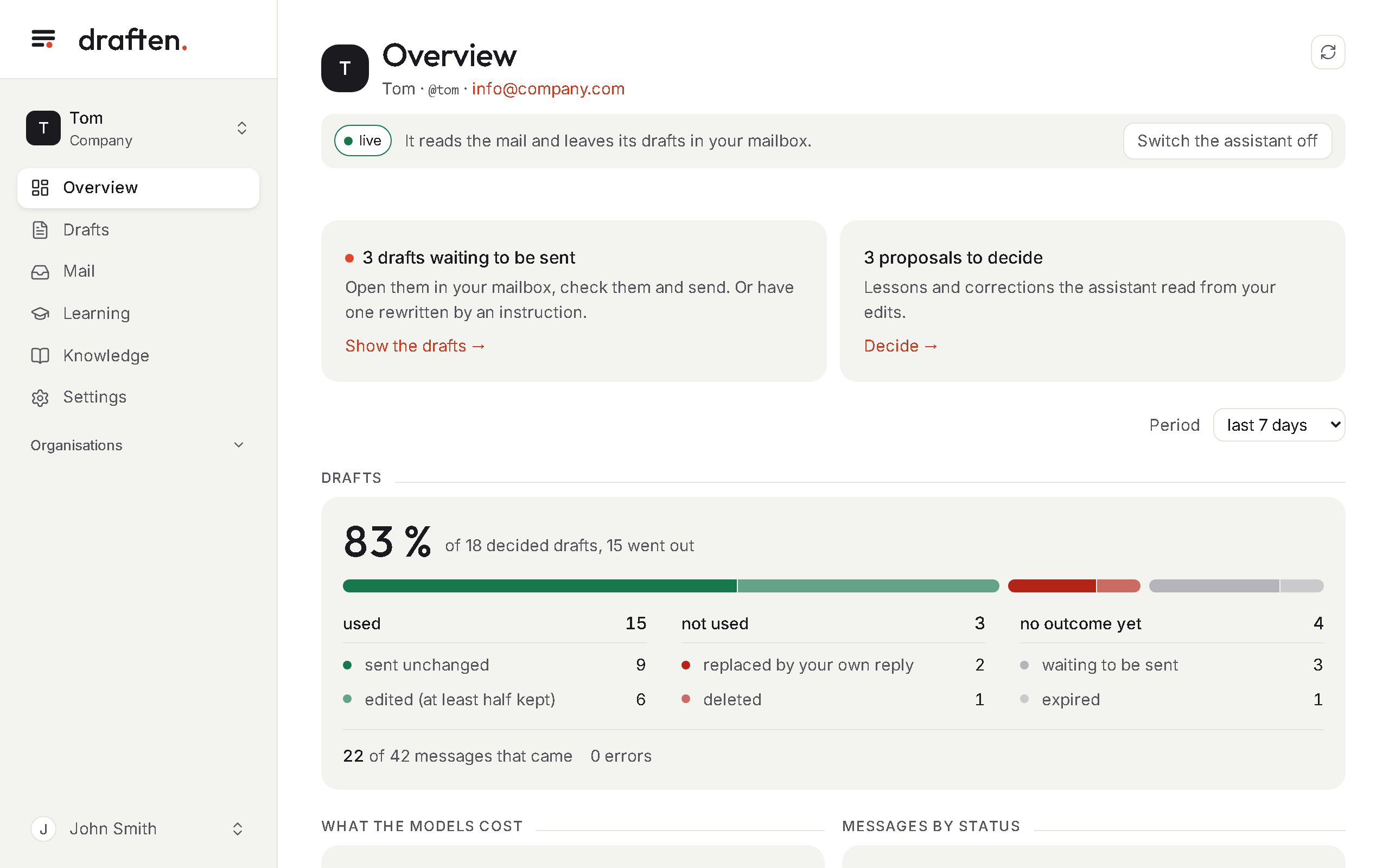
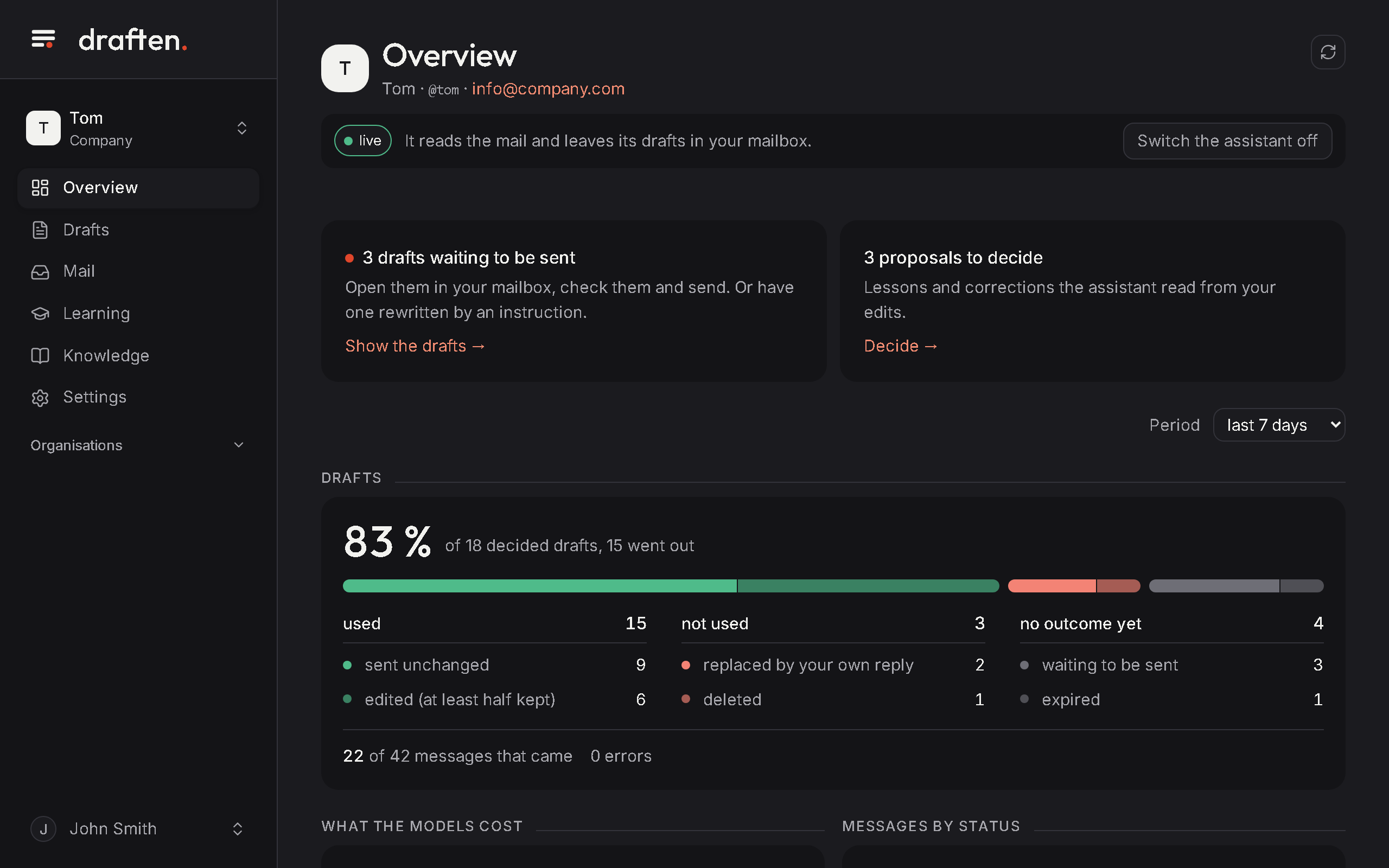
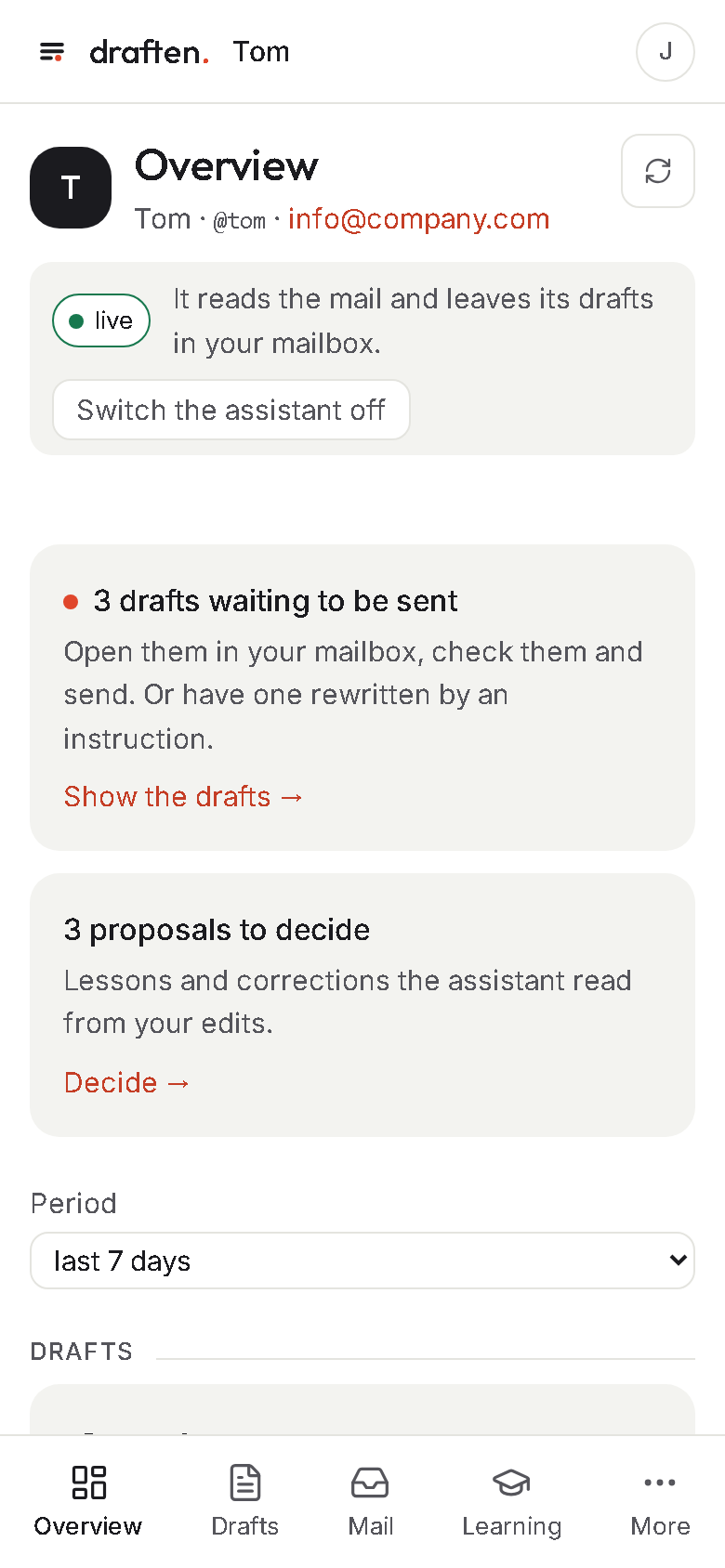
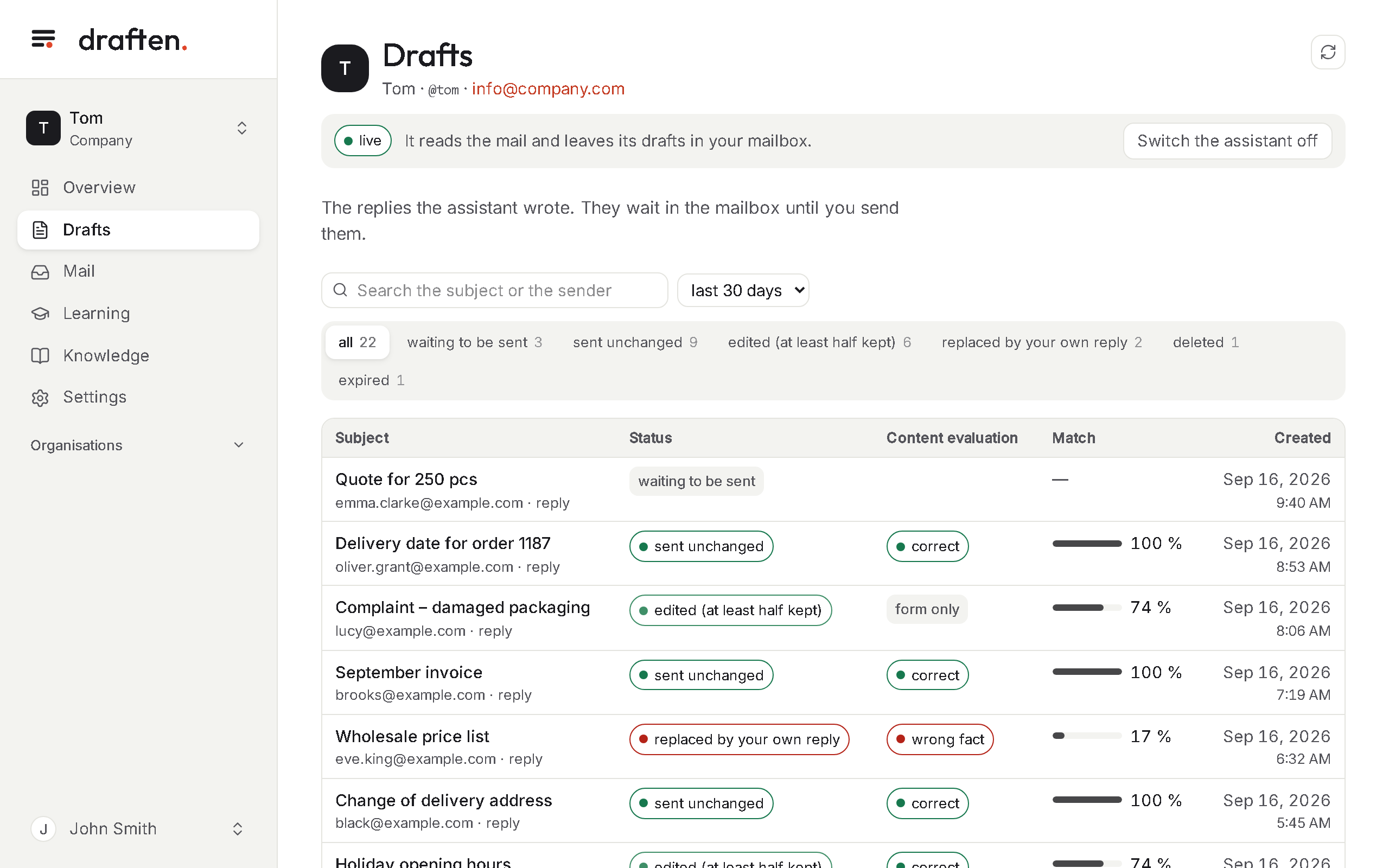
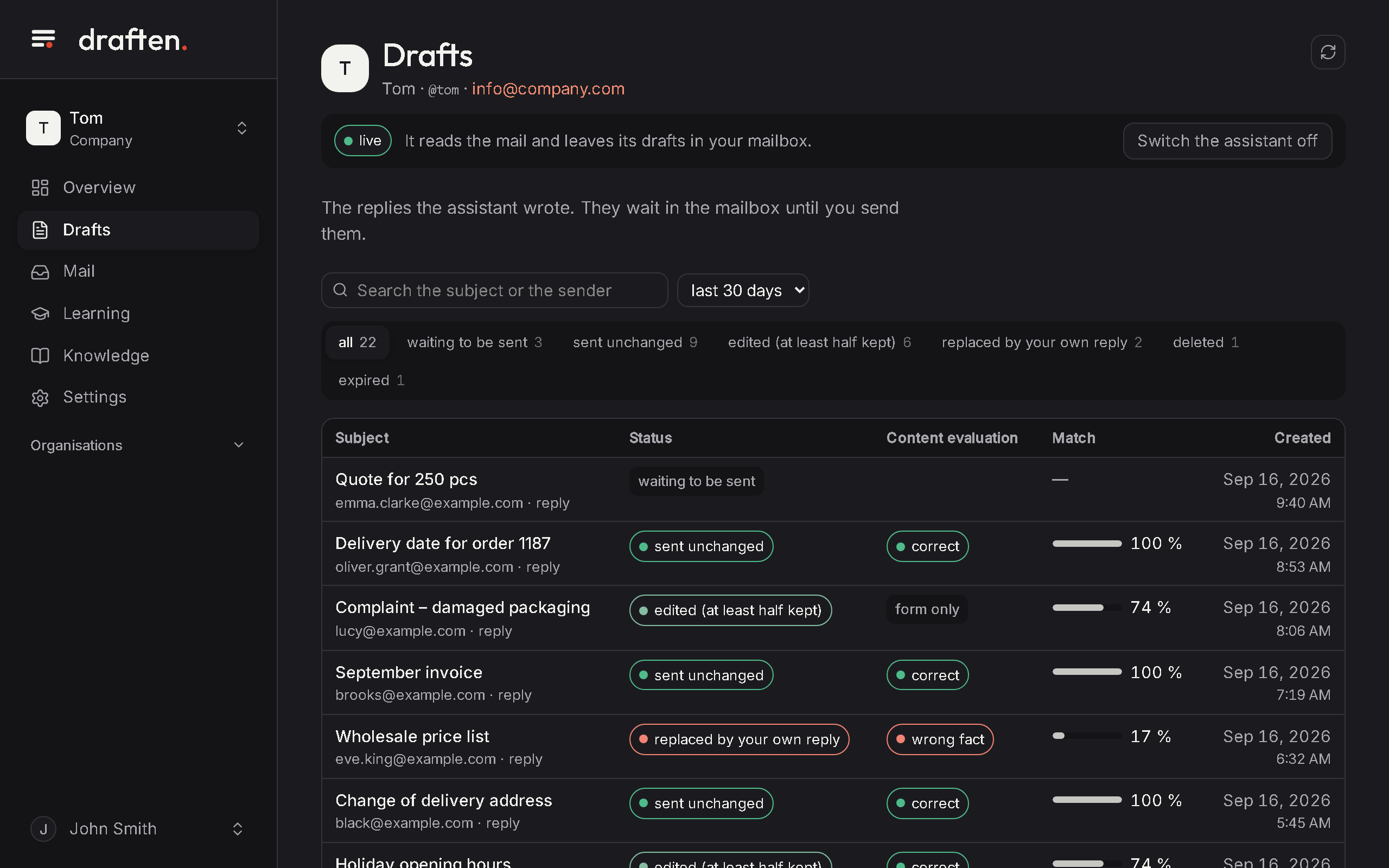
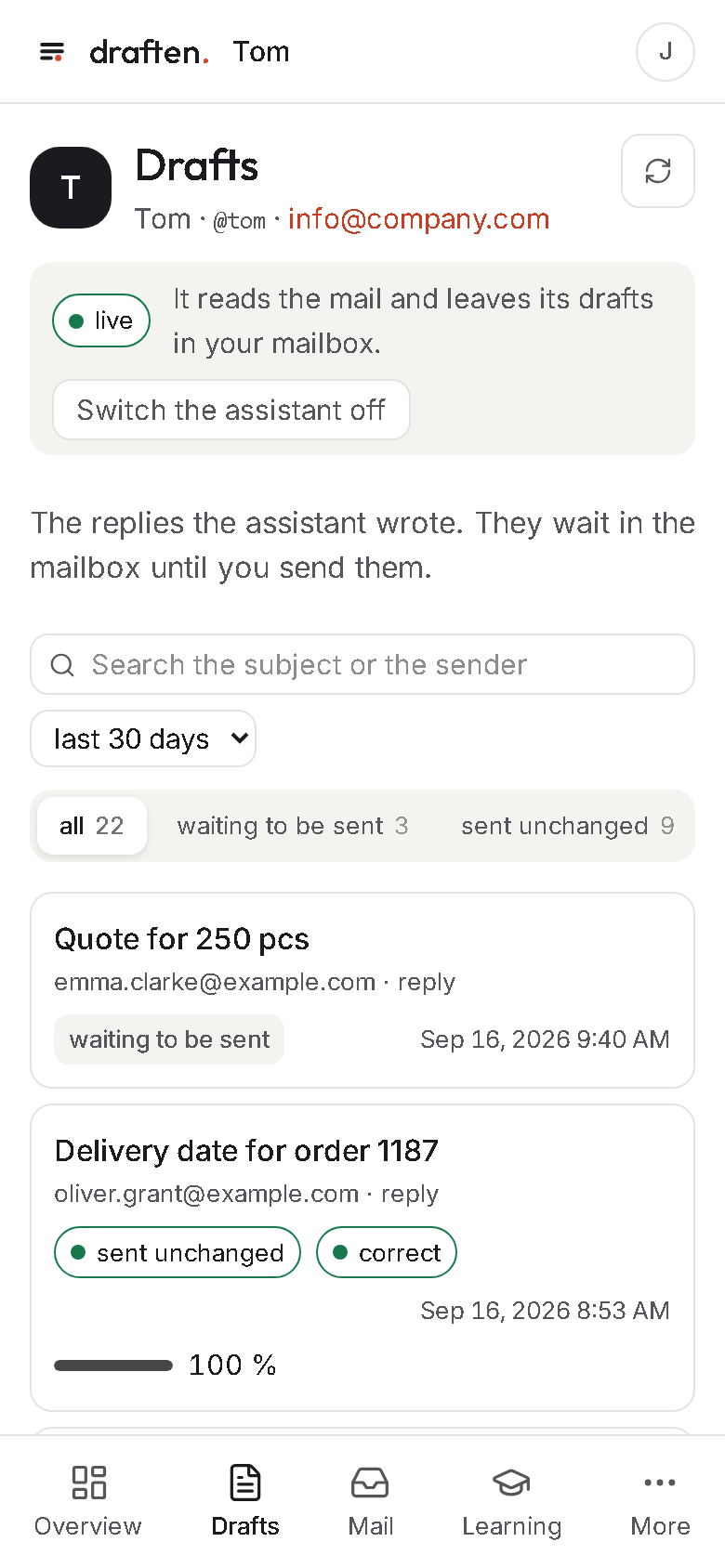
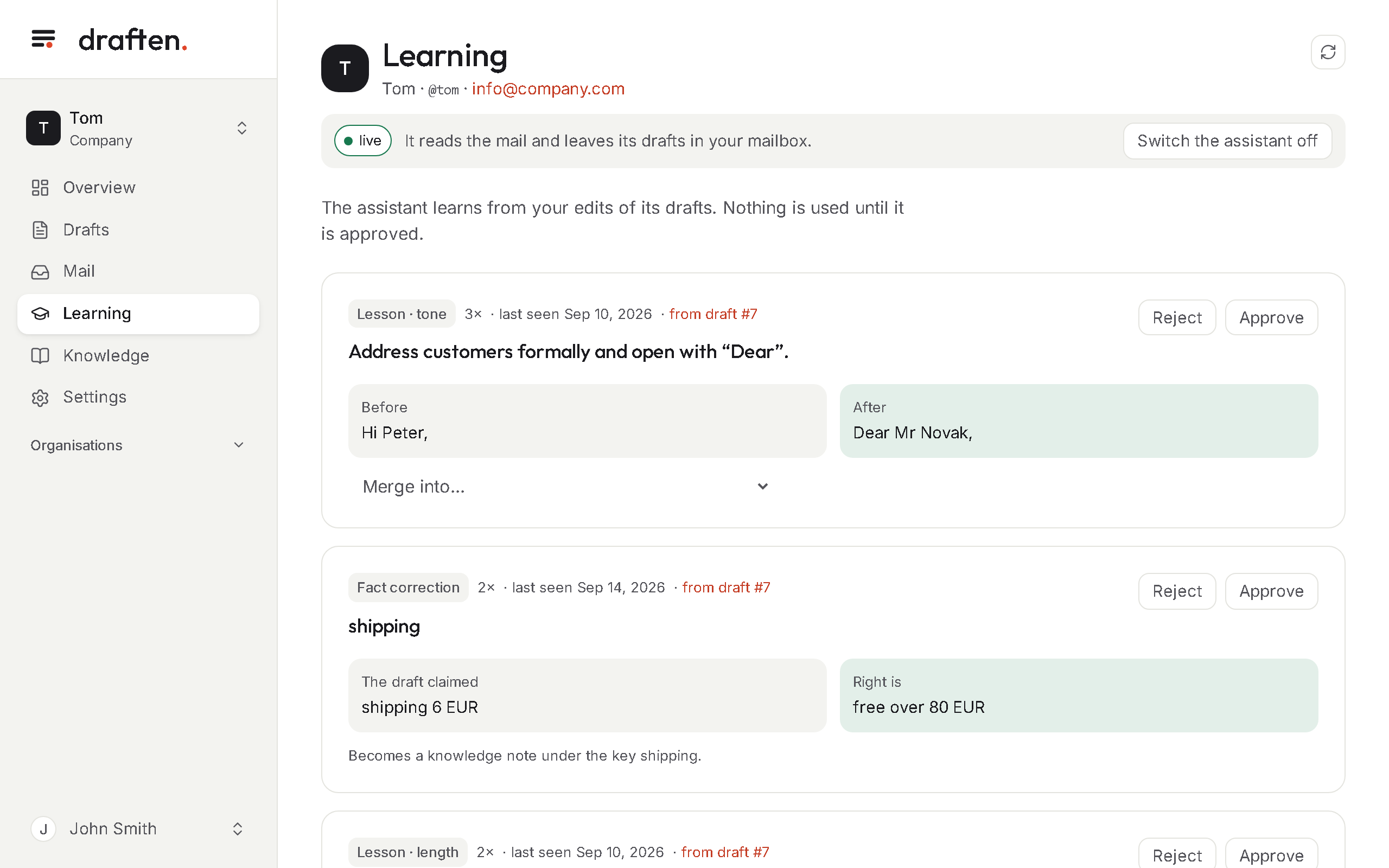
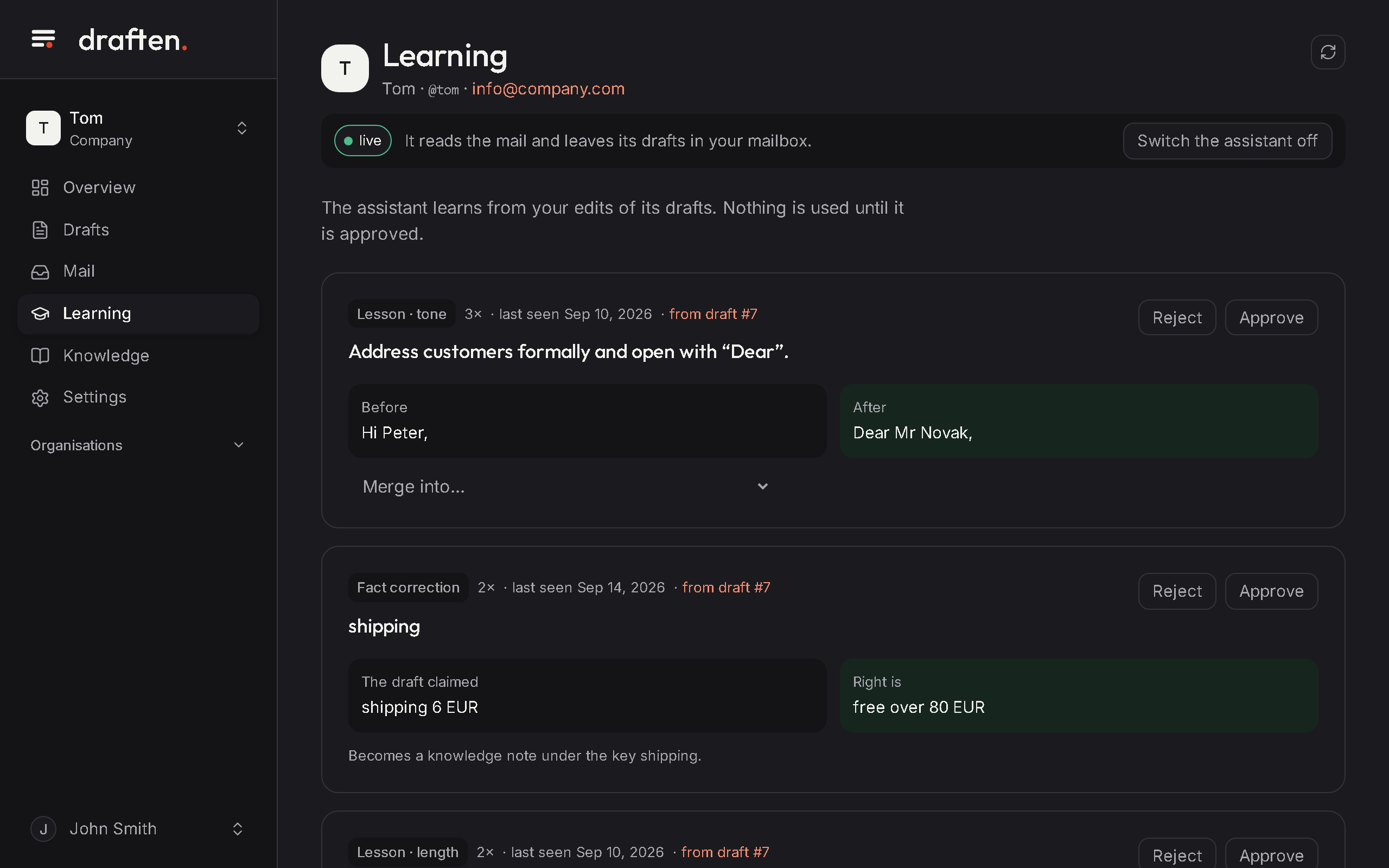
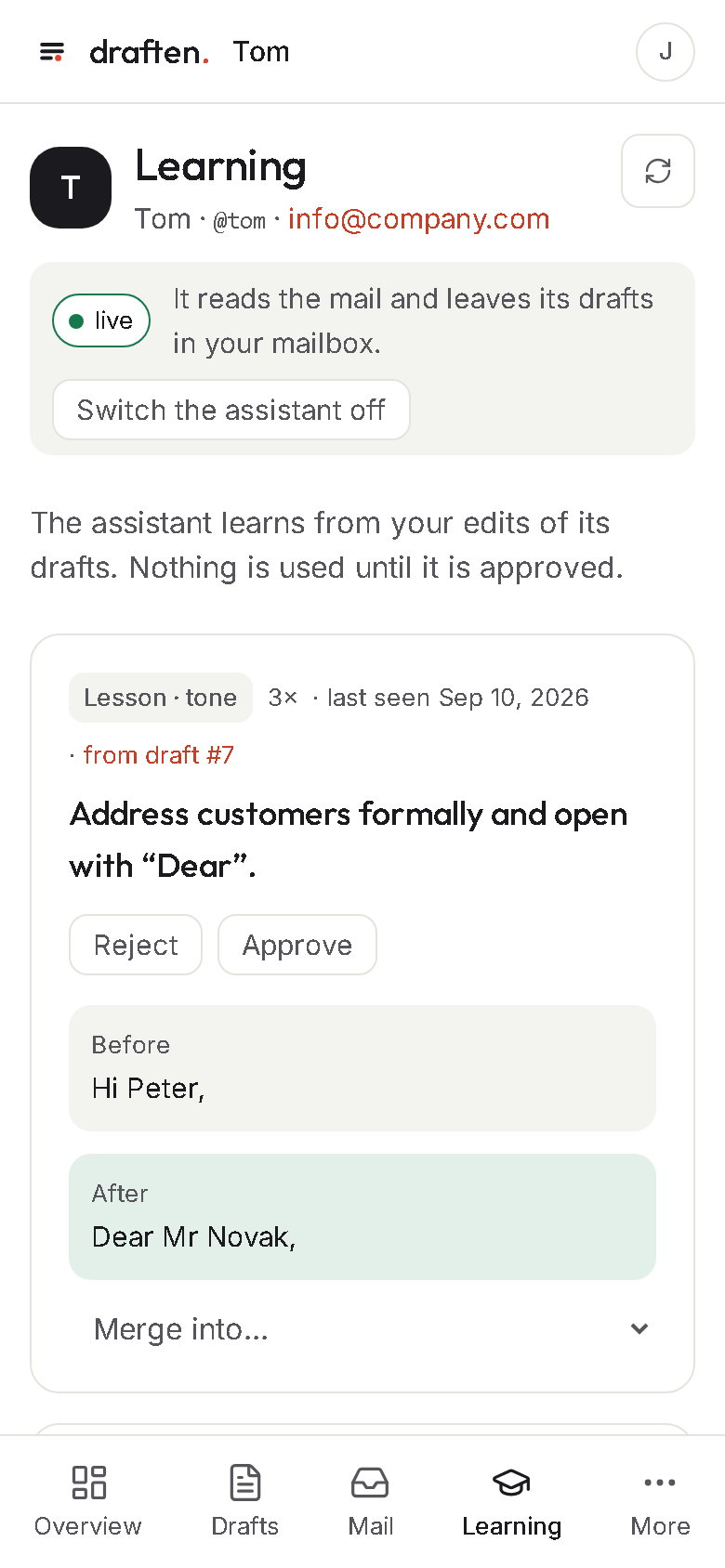
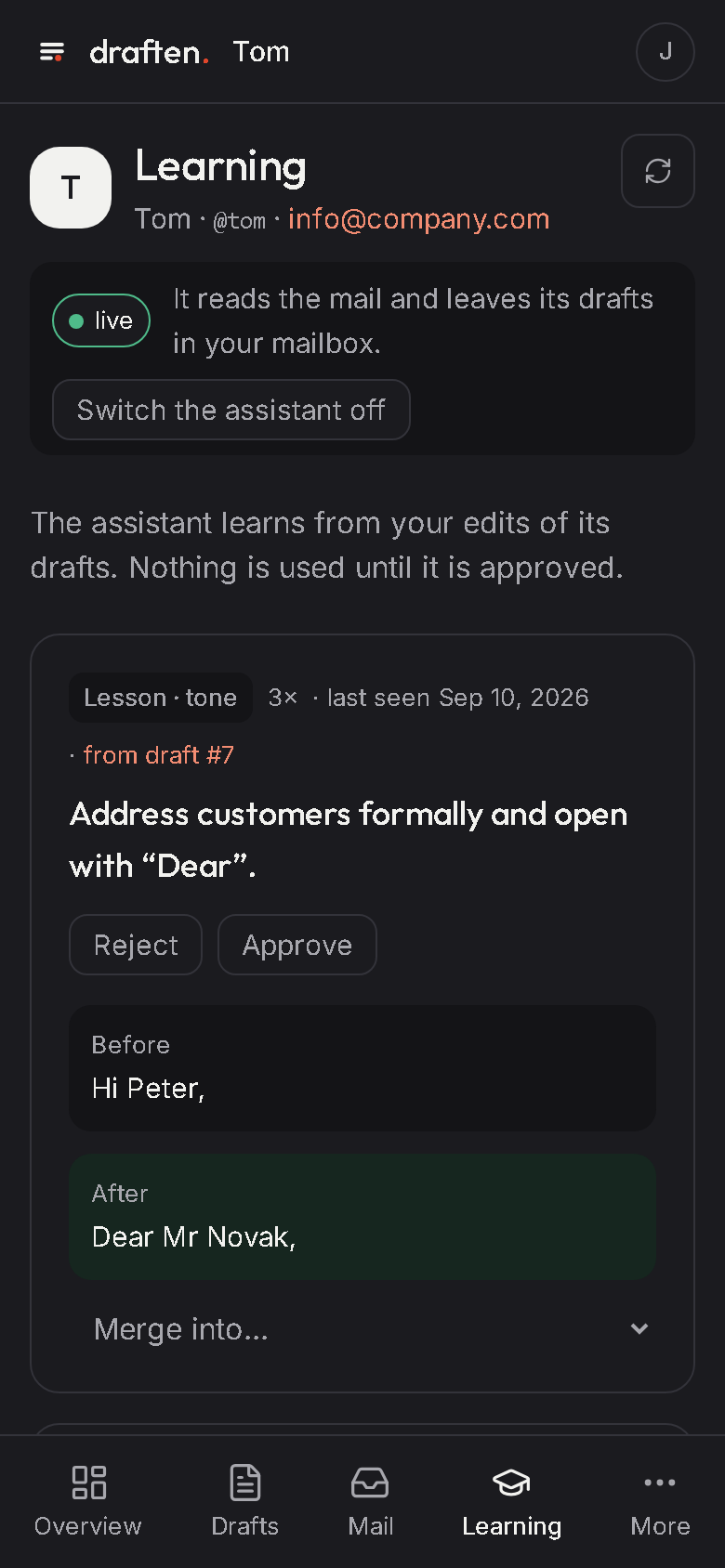
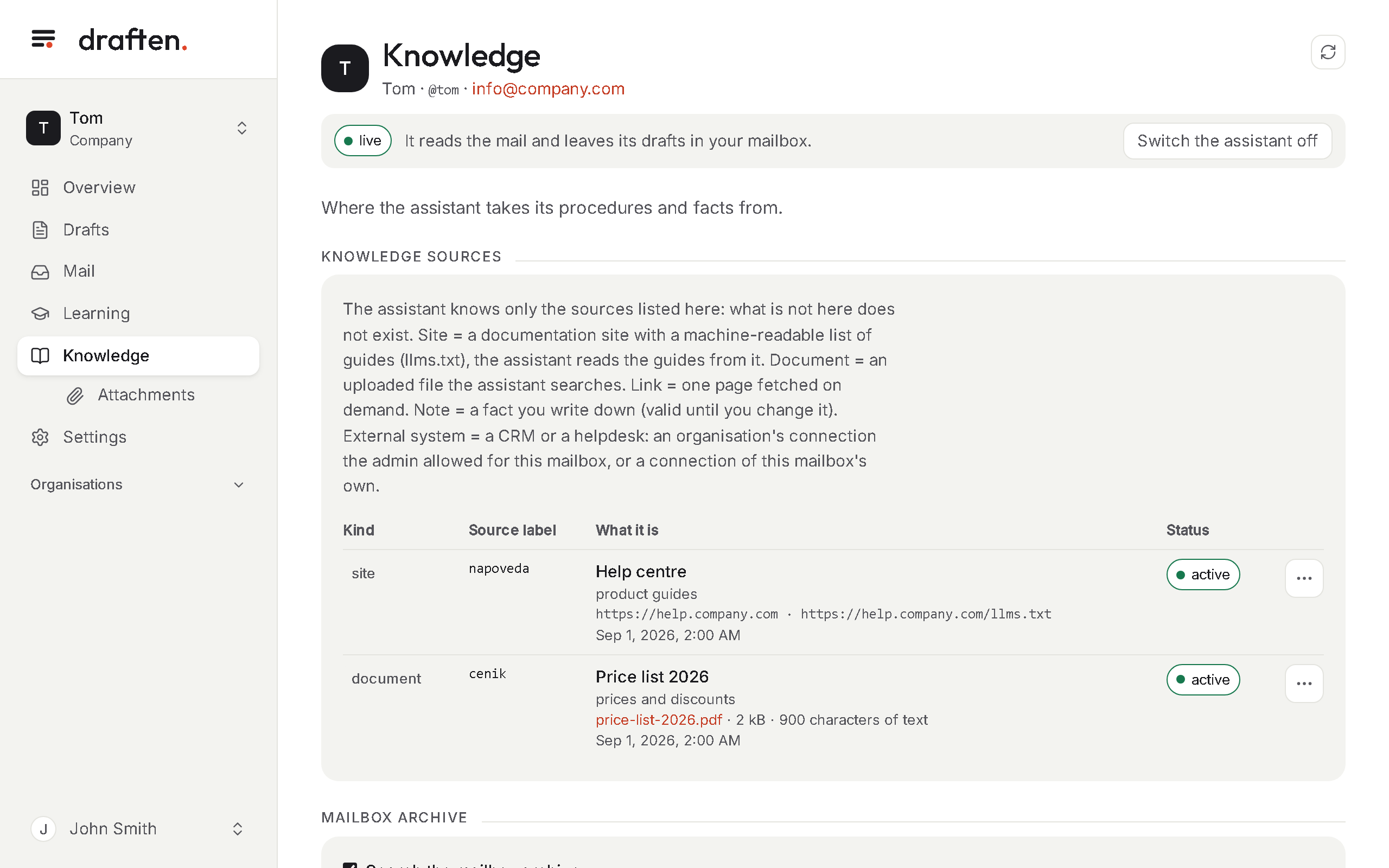
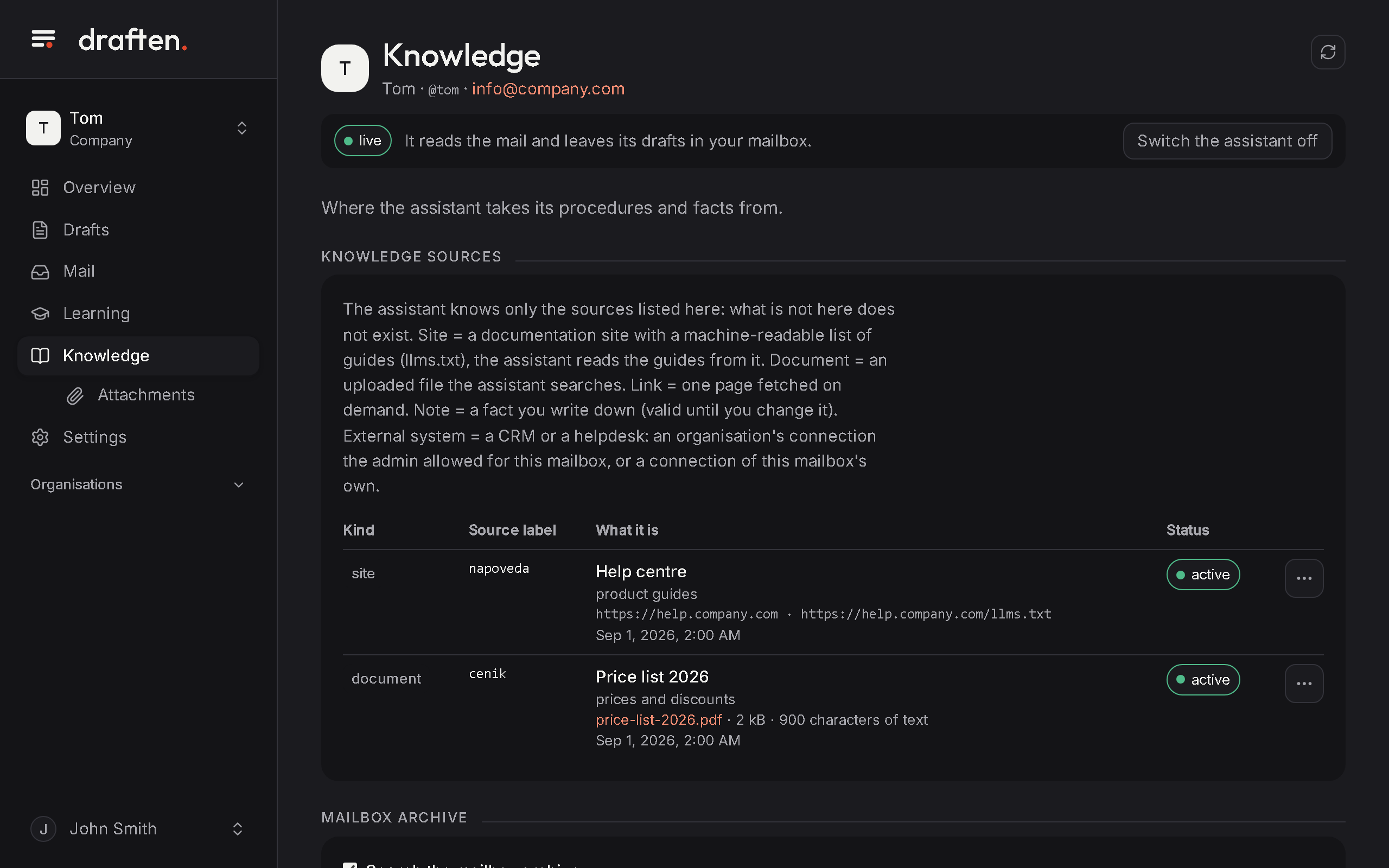
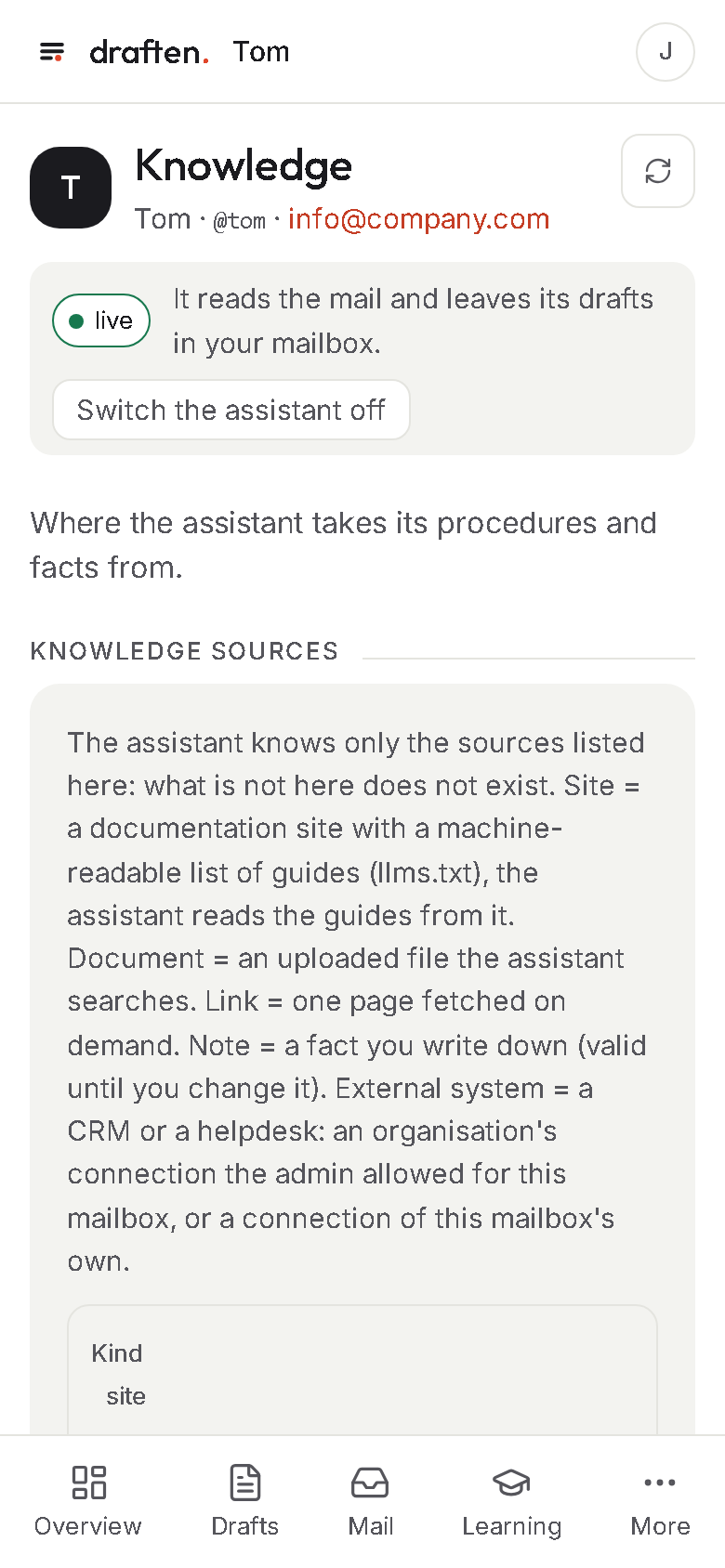
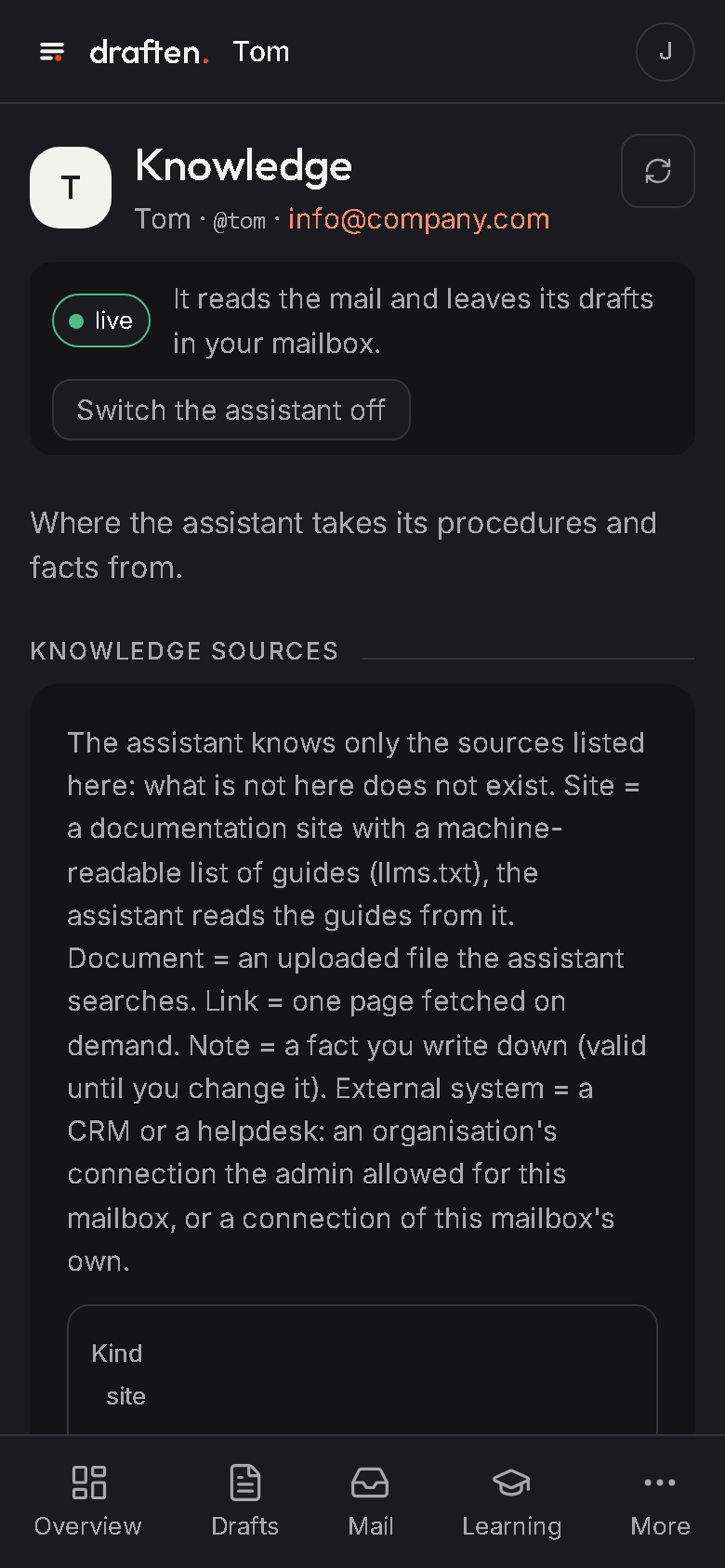
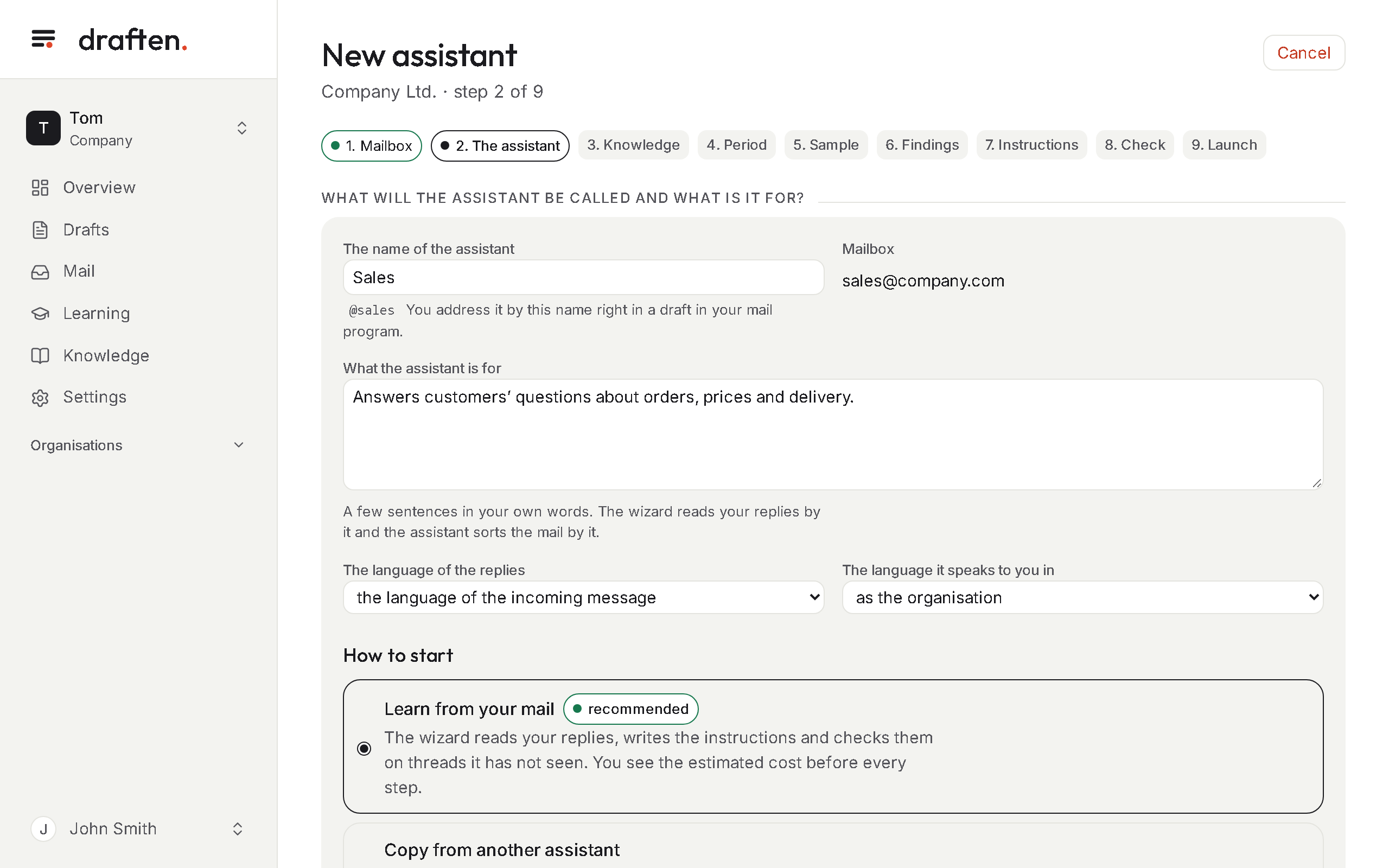
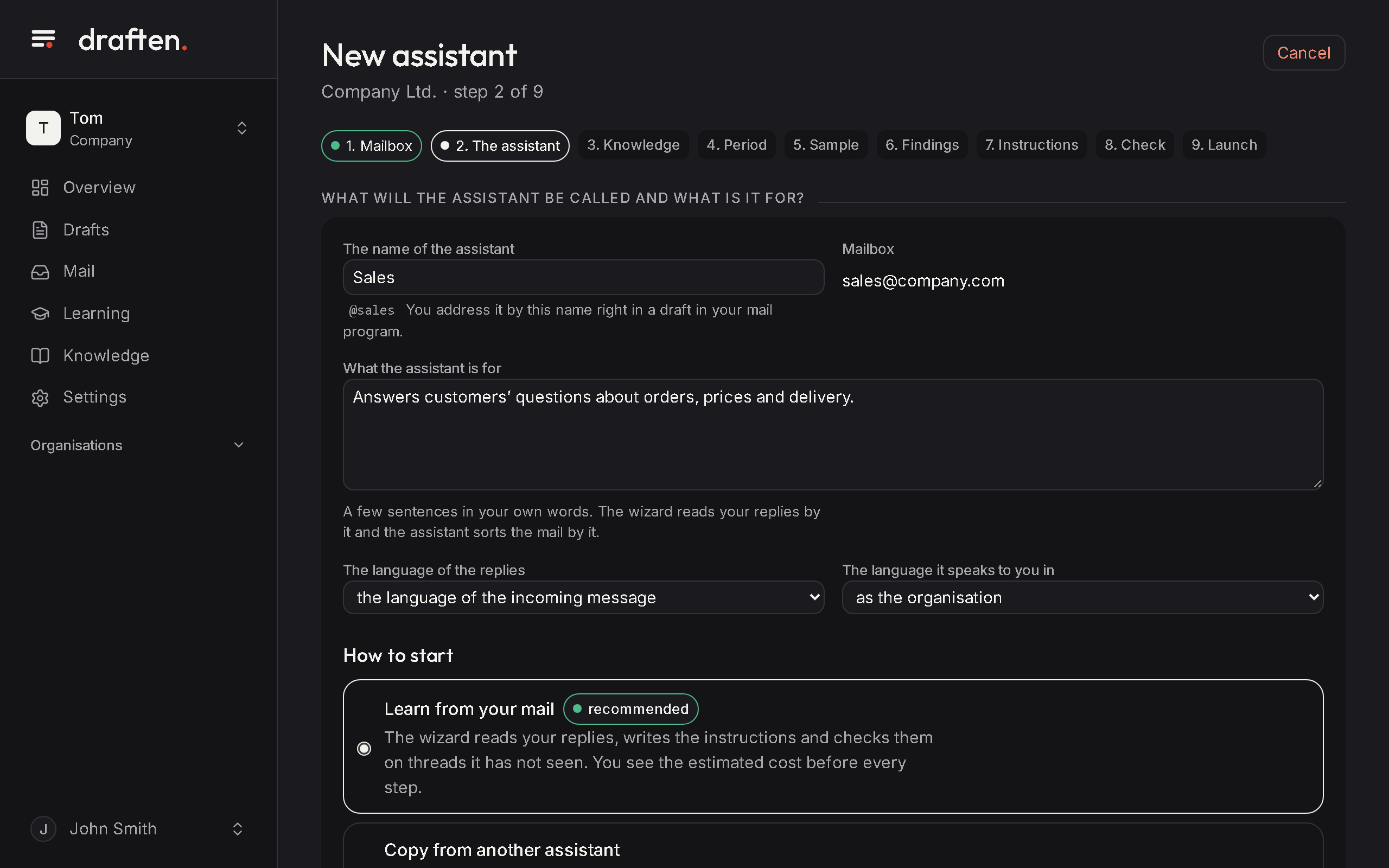
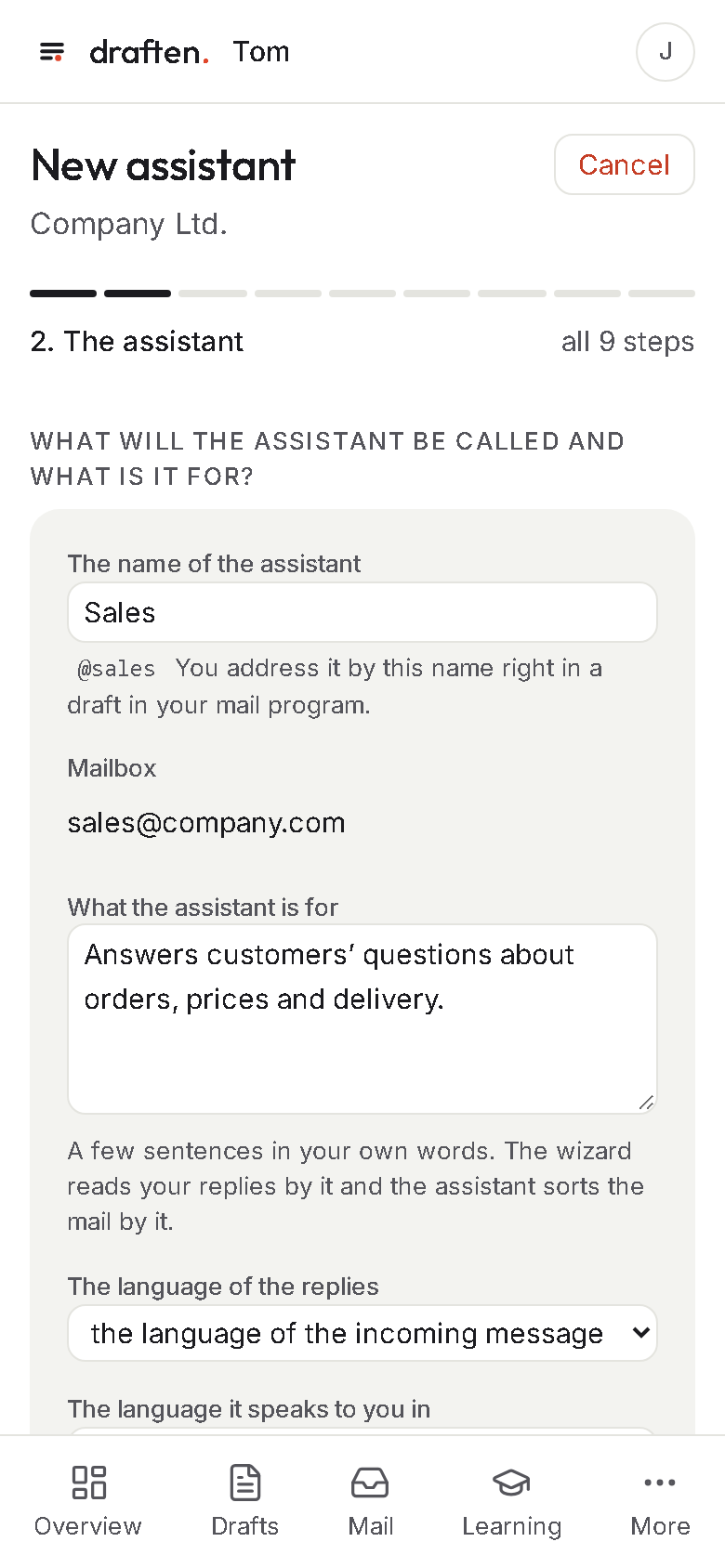
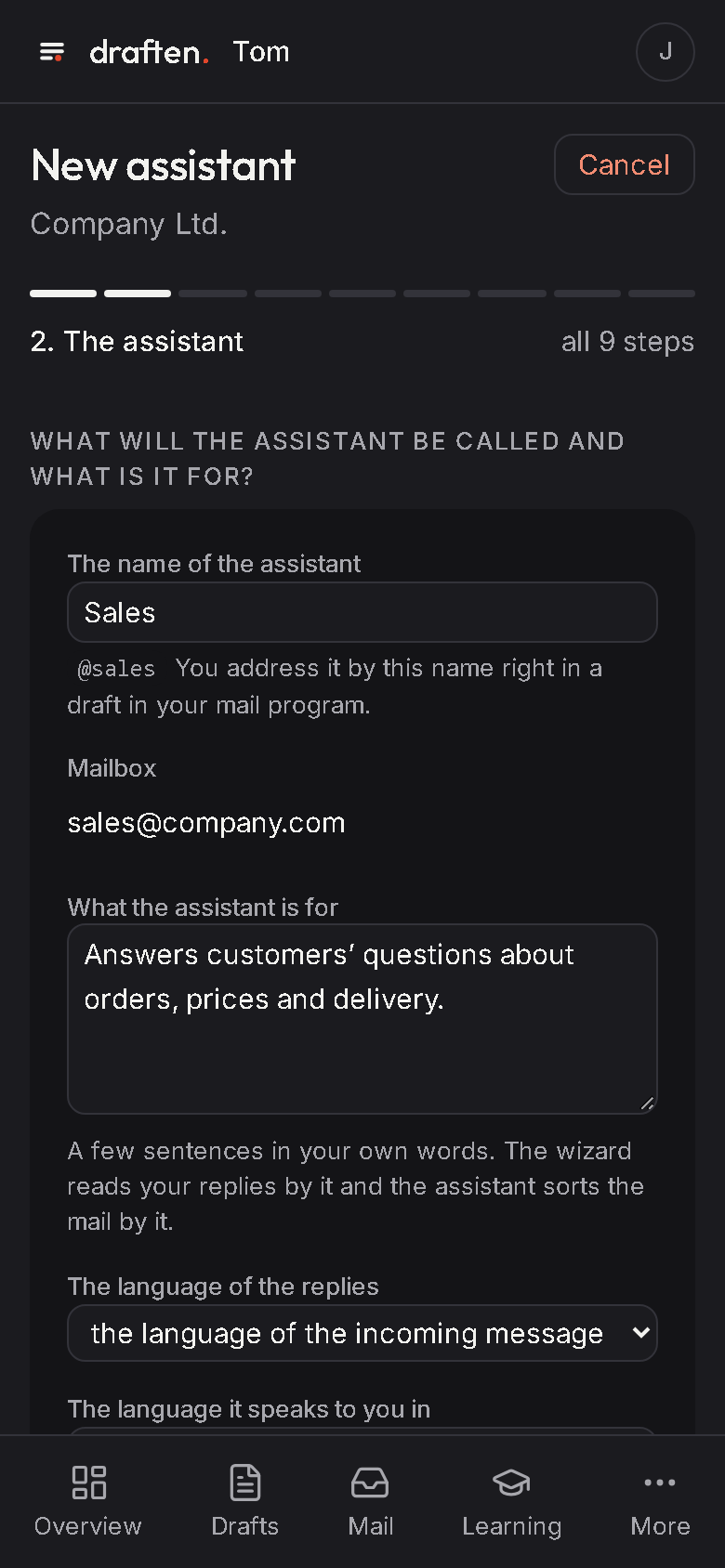
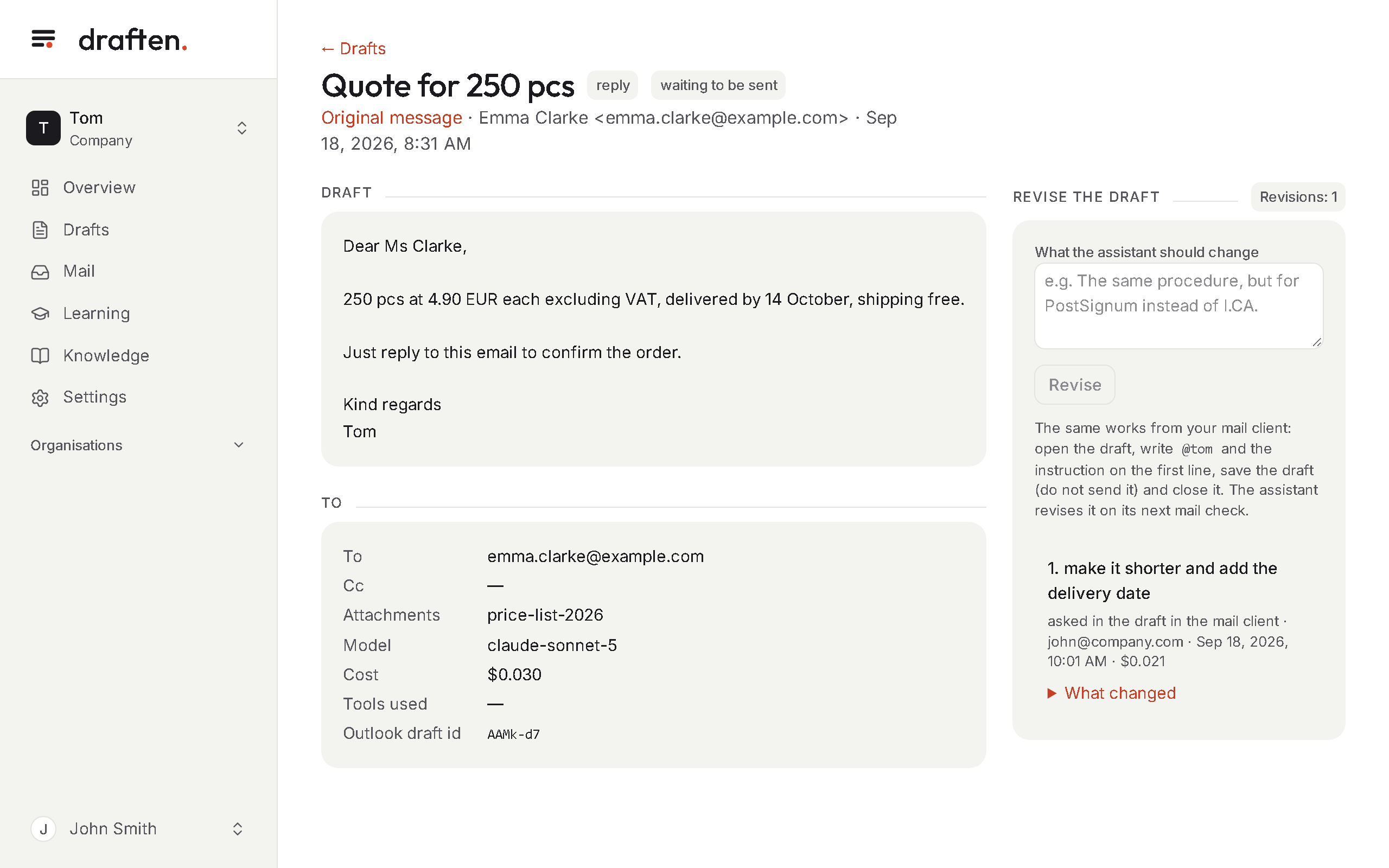
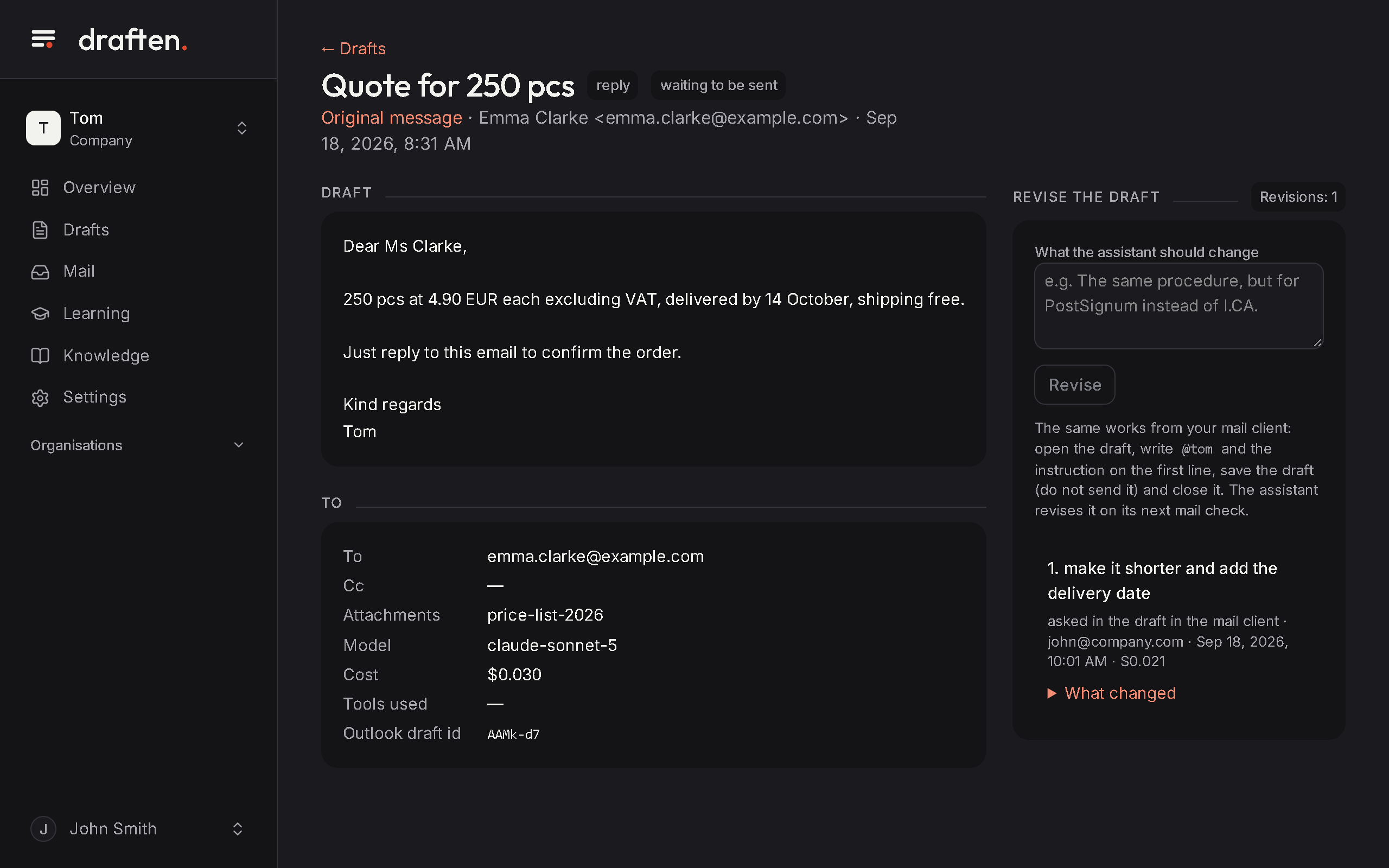
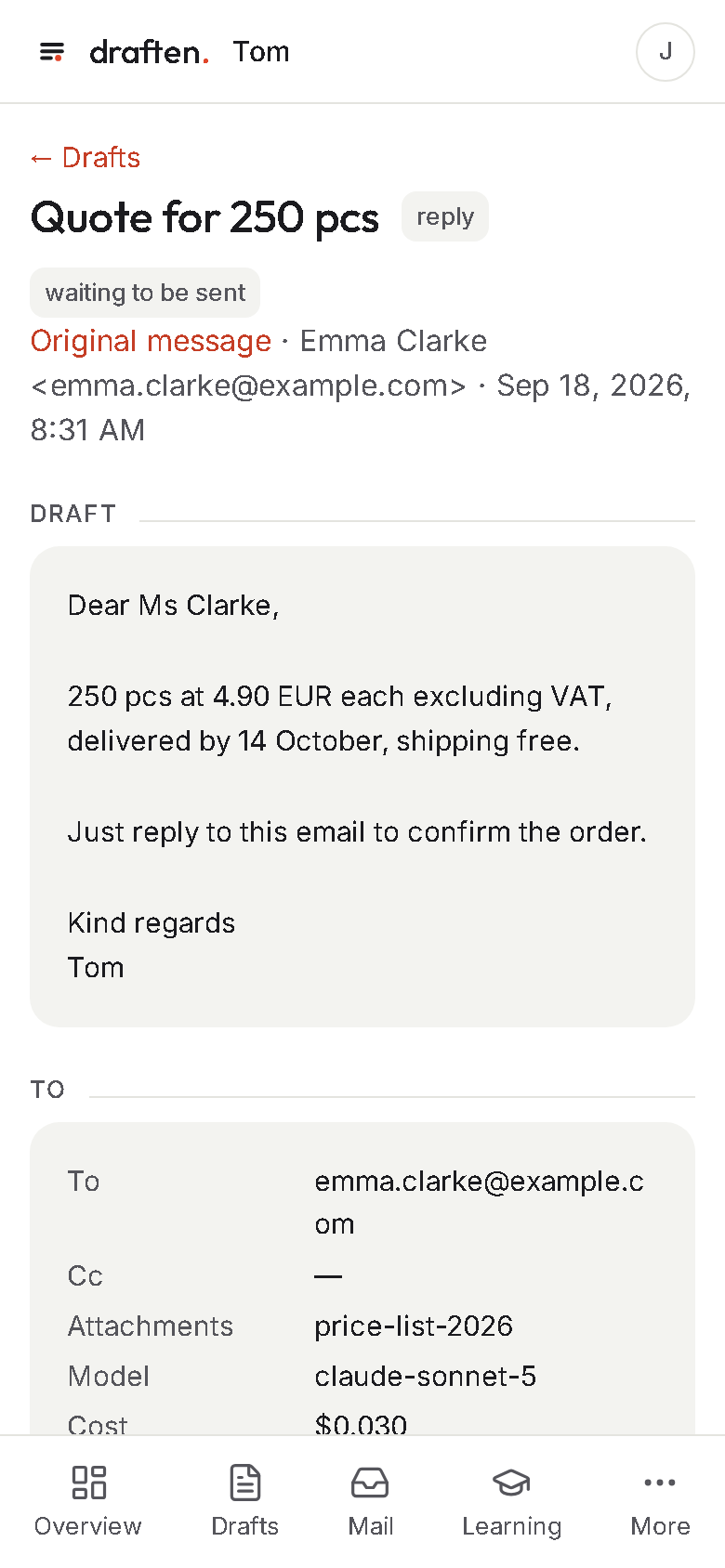
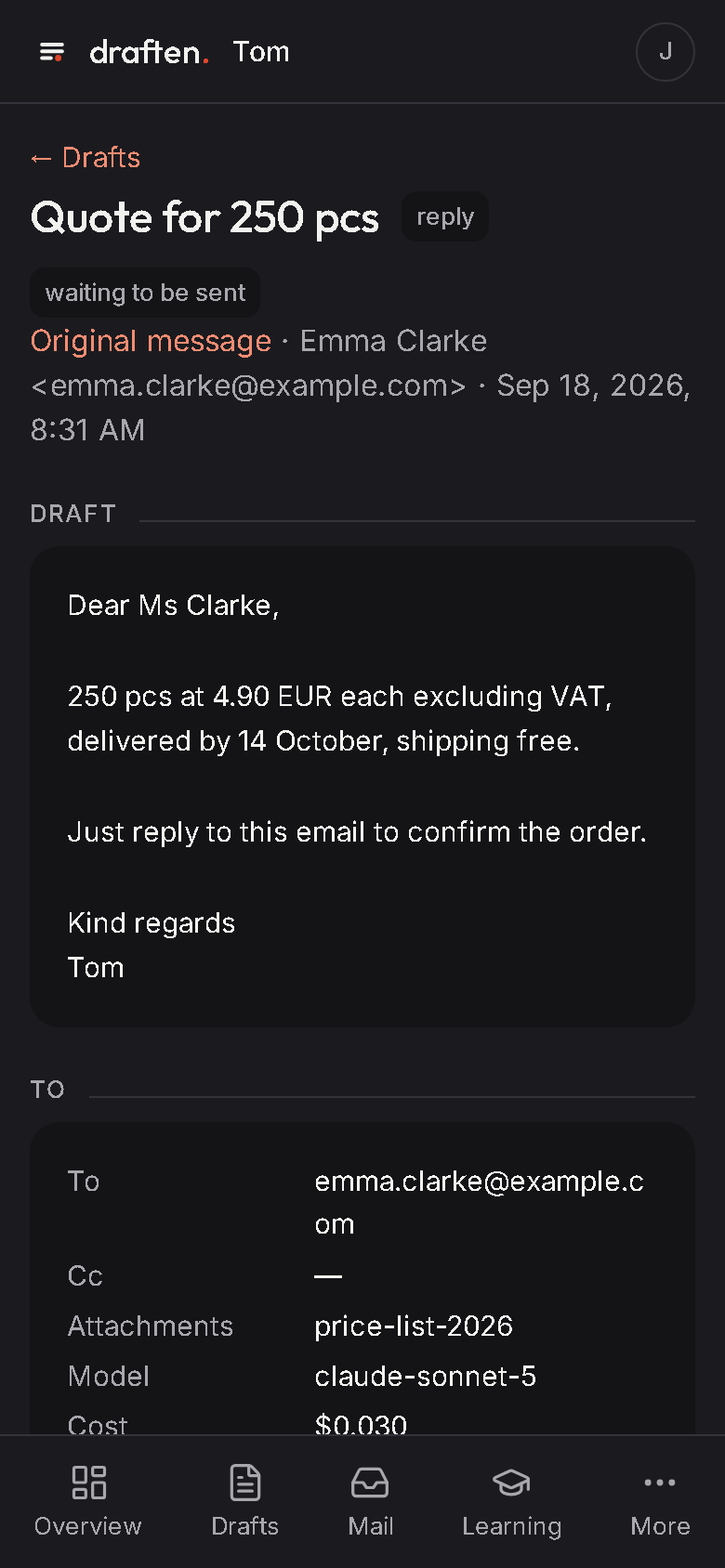
A calm interface where everything is in view.
How it works
Connect your mailbox. It learns the rest.
Connect your mailbox
Microsoft 365, Google Workspace or IMAP.
It learns from your mail
From the replies you sent it learns how you write and what you answer to whom.
Drafts wait for you
In the drafts of your own mailbox. Read, edit, send.
Better with every edit
What you change becomes a proposed lesson. You decide.
Everything draften does
An assistant that knows your business and stays under your control.
Twelve reasons draften is not just another email chatbot.
Writes and learns
Whole replies, not halves
It writes the reply you would write – with your prices, your rules and your signature.
Instructions from your mail
Type @name and an instruction into a draft. The assistant reworks it without you opening draften.
Learns from your edits
Repeated edits become lessons, corrected facts go to its knowledge. You approve what applies.
Knows what is not for it
It tells apart messages meant for a colleague or needing no reply, and leaves them to you.
Knows your business
Knowledge
Websites with guides, price lists, documents and notes. What is not in them, it does not make up.
Connected to your systems
HubSpot, Raynet CRM and FLOWii: it sees the customer, deals and tickets. It never writes to them.
Mailbox memory
It looks up how you handled the same question before and follows your history with the customer.
Attachments
It attaches the right price list or guide – and knows when to.
Runs the way you need
On your server
All of draften on your own server. With a local model, your mail goes to no other provider.
Your own AI models
Anthropic, OpenAI or your own model (such as Ollama) – separately for sorting, writing and learning.
Your own keys
With your own API key you pay the model provider directly, and we add nothing.
Trial mode and trial set
A new assistant writes in trial mode first. Test a change to its instructions on stored messages.
Instructions from your mail
Give the instruction where you work.
Don’t like a draft? No need to open anything. Type @ and the assistant’s name on the first line, say what you want changed and save the draft. At its next mail check the assistant reworks it.
It learns from you
Every edit you make teaches it something.
When you keep changing the same thing in drafts, draften proposes a rule. When you correct a price or a fact, it proposes a correction to its knowledge. You decide what it learns.
It reads your mail. That is why it has clear limits.
How we protect your mailNever sends on its own
It only writes drafts. Only a person can send them.
Nothing applies without you
Lessons and knowledge corrections apply only once approved.
Access encrypted
Keys and passwords are stored encrypted and never shown again.
You know everything
Roles, change history and daily cost limits.
Questions
What people ask most.
Does draften send anything on its own?
No. It only writes drafts into your mailbox; only a person can send them.
Where does my mail stay?
In your Microsoft 365 or Google mailbox or on your IMAP server. In its everyday work draften does not store the text of incoming emails: it reads it when it writes a reply. It keeps the sender and subject of messages, the drafts it wrote and how people edited them – for 90 days at most, then it deletes them.
Can I use my own model?
Yes: Anthropic, OpenAI or your own model through an OpenAI-compatible interface, such as Ollama on your premises.
Can we run draften ourselves?
Yes, installed on your own server, under a licence we agree with you. Write to us.
Try it on your own mail.
Connect your mailbox, the assistant learns from your mail and starts writing – in trial mode first.